It has been a while I posted on my blog and I am back after finishing four Seesaw activities I created for my first two asynchronous classes of 2022. They are about celebrating the New Year and learning about the Twelve Grapes tradition (Las Doce Uvas). These activities are addressed to Pre-K through fifth grade but can certainly be implemented at different grade levels. Let’s keep collaborating in the New Year!!!
First to Fifth GradeFirst to Second GradePre-K to KThird to Fifth Grade
One of the things I have been doing for a couple of years to welcome my students and make them feel confident they will succeed in my class is using meaningful cognates on my bulletin board. That is the first area they see before stepping into my classroom and it is my billboard to amplify my motto for the year.
The first bulletin board I set up was about STEM cognates in a year we wanted to focus our division efforts towards that area. Here is the resource I created:
I remember I invited my students to work in groups to figure out how many words they already knew. They were thrilled about how much they already knew.
Last year, I wanted my bulletin board to show my appreciation for how diverse our school community was and the values we stand for. Rather than focusing only on the meaning of the words, I invited my students and their homeroom teachers to select the five most important words from the display and type them in their order of importance on a Paddlet. Then, we analyzed what words were ranked higher and discussed words that should be added but were not cognates. “Familia”, “Justicia”, and “Identidad” were among the most common ones listed . Here is the resource:
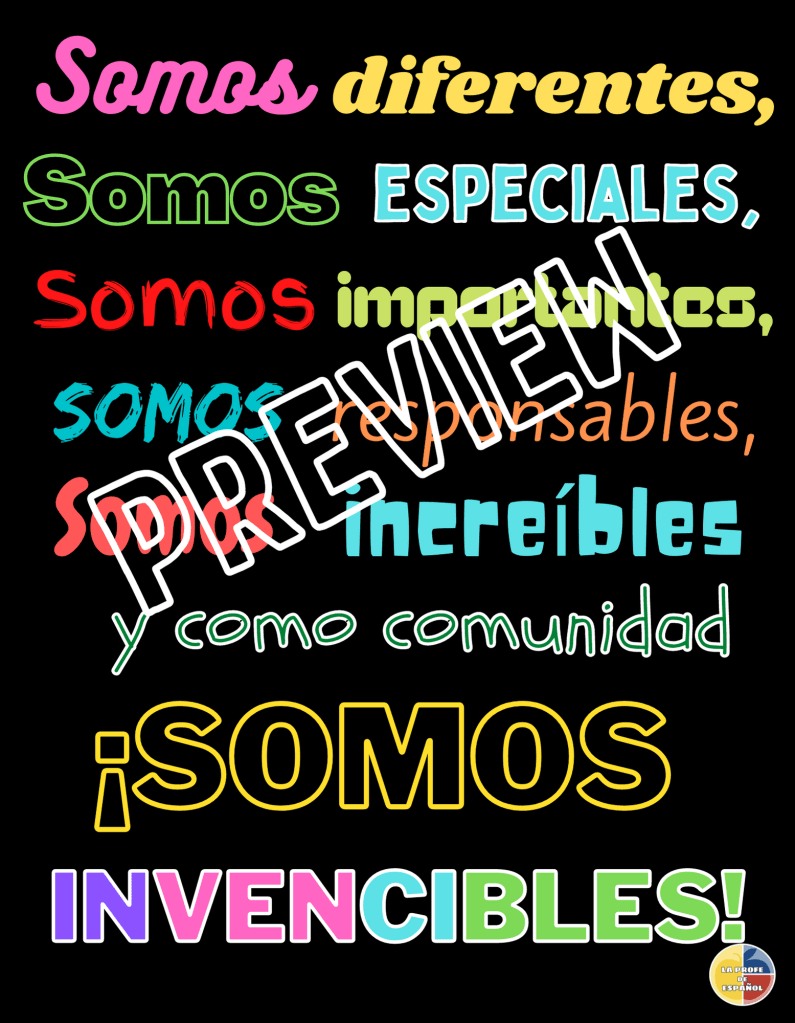
This year, I want to focus on affirmations and have my students see, say and remember this motto full of purposefully chosen inclusive cognates. I will also make it part of my webpage. I love using meaningful phrases, chants or poems as attention getters that can also be great brain breaks. Saying these affirmations chorally is one of the ways I strengthen our class community as my students are exposed to meaningful comprehensible input and repetition.
In the past, when I said “Somos”, my students responded “un equipo” and immediately looked at me and waited for directions. Last year, when I said “Somos”, they responded “una comunidad”. This year, we will say our community affirmations.
I learned this game from @lamaestraloca in her presentation at #practicalandcomprehensible in January and really wanted to give it a try. With Covid restrictions and wanting to keep my students safe, I came up with a virtual way that worked really great with my fifth grade classes that are made up of a combination of in-class and remote learners.
After finishing Write and Discuss about our Special Person, I handed in ten sentences from the description we put together and divided the class into four groups. I showed them the four dice on my Ben-Q Board and told them they were to write the translation of the sentences in English only when their group dice got a “six”. I counted to six before I press “Roll Dice” again because the page took a little while to load and to give them time to write. They were really into it and demonstrated great comprehension!
The groups that did not get a “six” had to keep their hands up, on their head, or behind their neck and were really supervising that no one was writing when it was not their turn. SO MUCH FUN!!
Random.org allows you to use up to sixty dice at the time.
One simple activity for this week. My first graders will duplicate the page and customize the card to wish someone a “HappyValentine’s Day”.
I just finished this activity that combines, listening, tracing, inserting shapes and “speaking” for my students to work independently reviewing colors. #Seesaw #SeesawAmbassador
My students are begging me to play this game since I presented it to them last week. Watch the video for instructions and click here to make a copy I would love to hear from you after you try it!
It has been challenging to find interactive activities for my students to do in their iPads besides using apps. I started collecting some to share with my kids as Choice Boards and tested them on my iPad. I hope they can be useful for you, too. I can’t wait until all iPads can run Flash Player somehow.
I have been looking for ideas to build community with my pre-school non-readers around their names using Seesaw. Thanks to the wonderful contributions of the Seesaw community to the activities library, I decided I will adapt these two so that my students and especially I learn how to pronounce everyone’s names properly:
I imagine the homeroom teachers might be doing something similar in their classes and I need to find out before doubling the work for our kids and their parents. This is plan “A” so far. Once I learn to pronounce all my students’ names, I want my kids to find their names while getting used to the Seesaw tools and their possibilities. I will see my students face-to-face for two weeks and then they will work independently for two more.I imagine my students would feel proud of me when they hear me saying their names properly or at least feel willing to help me pronounce them better 🙂
These are not my students’ names but just a template for you to adapt your children’s names if you decide to try the activity. I learned from Kris Szajner how to add the recordings in this video. You can only add up to 20 recordings per activity and would need to use Chrome to adapt the activity.
This activity not only involves clicking on the speaker icons or tapping on the markers but also tapping on the video. It also includes tracing names. I used one of Seesaw handwriting backgrounds and the feather font style which might not be what your kids are used to in their classes but which I found practical since they were all in Seesaw. I ran into this website https://www.handwritingpractice.net that offers “Handwriting practice worksheets custom made by you in – PRINT – D’NEALIAN or CURSIVE”. I was not sure I could use a screenshot for my students’ names because I could not find a way to contact the owners and ask them. It really looks like a great resource to print and send worksheets home.
My goal with this activity is for my students to get familiar with the question “¿Cómo te llamas?, review the chant and a game we will play to learn our names, find their names while listening to their classmates’ and then trace their own. I am not requiring my students to answer “Me llamo” unless they want to give it a try.
I hope you find these activities and ideas practical and can ease your workload somehow. All the best for you and your community this new school year!
During our emergency remote teaching trimester, I saw my fifth grade classes once a week and they worked independently on our second class. We used PearDeck to interact in our synchronous lessons about our “Personas Especiales” and the independent activity (asynchronous task) was related to our live discussions and an extension that involved a video students had to respond to.
Here are some videos and activities I assigned that referred to a feature our “Personas Especiales” shared so that my fifth graders could see the vocabulary we were learning in context.
Quiero un perrito
Since one of my students really wanted to have a pet but her family was not really sure about it, I found the perfect video on Youtube.
Activity: Watch the video and aim to write more than 15 cognates you can find. Make sure to set the captions to Spanish. Write the words in Spanish and English.
Música maestro
My students know how to play the recorder and we learned one of our special persons was into playing the flute professionally. Since we had watched the movie Coco before, I thought having them learn to play the melody with a Spanish speaking teacher would be a fun and meaningful way to get some important input. They amazed me with the videos they recorded playing the melody.
A mí me gusta el baloncesto
For that special person that loved basketball, I found this very informative and fun video.
Activity: Watch the video and write the names of the items needed to play basketball, the dimensions of the basketball court, and what makes a basketball team. Make sure you set up the captions to Spanish. Write the items in Spanish and English.
Somos unos grandes artistas
For those of my students who loved art, I wanted them to enjoy admiring paintings of a famous Spanish artist or drawing while they got their comprehensible input through the visuals and the task they needed to solve.
Activity: Take a screenshot of three of your favorite paintings and collect more than five cognates by reading the title of the masterpieces. Write the words in Spanish and English.
This particular student already knew how to draw an anime face and could have her own Youtube channel teaching how to do this but she had not heard another artist explaining the process in Spanish.
Activity: Watch the video and follow the directions to draw the face. Label the parts of the face in Spanish.
Más conexiones
My students were also into some activities that fell into the STEM category.
Although these are very simple calculations, the idea was for my students felt comfortable with the content and could figure out what the instructions were by reading them and seeing how the calculation progressed.
Activity: Watch the video, stop it to read the instructions, and try to figure out what the answers are before they are displayed on the screen. Translate the instructions into English.
Not that my students do not know how to make slime but seeing other kids their age making it and speaking in Spanish was really meaningful and fun.
Activity: Watch the video and write the ingredients for the four ways to make “moco de gorila” in Spanish and English in a piece of paper. Tell me what your favorite way to make slime was.
This student’s favorite animal was the Phoenix and I found a video that related more to STEM and art than to mythology so I thought to add it into this category.
Activity: Watch the video and follow the steps to make “un ave fénix”. Take a picture of your creation and share it with us.
I also included a coloring page in case my students were not happy with their creation. They were better than me.
I hope you find these ideas and activities useful to implement in your classes. My next post will be about the Edpuzzles I created with the same purpose in mind: reach my students through the things they liked so that they felt they were just having fun without realizing they were also learning Spanish.
Stay tune for my next post about my Edpuzzles and one about the stories I created for my students’ Cards. I will also be updating my videos and my stories pages.
This is my plan to end our school year remotely adapting my unit to Seesaw and to what my second graders can do at home using this tool. I have done this activity in the classroom and usually started by showing my students this video of the song “Reducir, Reutilizar y Reciclar” by Los Colorados and produced by Jungla Cartoons. I created the conversations based on the video and adapted them for my second graders.
By Los Colorados
Over two years, I have collected some videos for the conversations with former students but I cannot share them with you because of our school’s policy. I usually present the first part of the song and one video with a conversation, right after. Then, I have a student demonstrate the conversation with me and then I pair students up so that everybody gets to practice. Over Zoom, I followed the same process with the first conversation and tell students that they will be using Seesaw to practice and illustrate each conversation but will have the chance to pick one to act out and videotape for their independent work. That creates more excitement on their part and curiosity as to what the conversations can be like.
I am using one lesson to address one of the Rs so that my students can work independently on the Seesaw activity. I display the activity and the conversation on my screen and assign time for students to practice in pairs. The Spotlight option of Zoom makes it easier to focus on the students playing the roles. The Seesaw activities for Reducir and Reutilizar are set up in a similar way. The activity for Reciclar is a project that I demonstrate over our Live class, and then students do on their own. My focus is on the identification of recyclable materials and their creativity.
Click on the picture to access the first Seesaw activity:
This is my plan to end our school year remotely taking advantage of having my students at home so that they can go over their clothes to play and learn at the same time.
My plan (Make it yours) I have done this activity in the classroom as part of planning our trips to Spanish-speaking countries and choosing what we would wear. Since we are at home, I thought my students would like to show off their Home Style.
These are just some ideas of what I want to do with my new TPT product that comes in Seesaw, PearDeck, and Google Slide versions.
Introduce the activity: Use the PearDeck Presentation to teach the lesson. I love the interactivity it promotes among my students. Have your students join the presentation and show the title on the first slide . Then, explain that they will participate in a Fashion Show called “En Casa con Estilo” – “At Home with Style”. They will learn how to describe the outfit they would like to wear making sure they select five or more items from the vocabulary you will present. We do not have much time for accessories but I would encourage my students to share other items at the end of the class if time permits.
Clothing Scavenger Hunt: This is how our students will learn the vocabulary. Divide your class into two or three groups. Tell your students you will tell them to bring one of the items you will display on your screen. Once they bring the item, they need to type the item and its color into the interactive slide. They are organized in a way students can find the patterns that make all words “match”. Not all the students need to type the same or look for the items, they can divide and conquer: one student can bring the item while another student types. Read their answers as you point to the items and the colors in your screen.
Matching: Students need to type in the drawing slide the number for each one of the items we presented. This could be an opportunity for teams to interact over Zoom chat or breakout rooms. I apologize I do not have much experience using another platform.
Stop!: Students are to use the drawing slide to type the proper form of the colors to match the items on the top. The first one to finish has to shout out “¡PAREN!” and you need to block responses at that time. Then, display the responses and make sure nobody starts working on the next row. Students can go back to check on the previous slides to complete this part but it would take their team more time to finish. This can encourage more attention to the patterns.
Independent work: Assign your students to complete the Deck independently. I set up the activity on Seesaw which is the platform my students are more familiar with and I would assign them to work on it, instead. If you use Google Classroom, you can share the Google Slide Presentation. The last section is for your students to choose an outfit to wear, wear it, and get a picture taken. They need to upload and label the picture. Then, they need to record themselves reading the description. That would be preparation for our next lesson which would be our Fashion Show rehearsal.
Rehearsal: Ask your students for ideas on the set up. We need to think of what music we will be using, who is controlling the sound, what order they would model, when to read/describe their outfits. I am planning to use the Spotlight option of Zoom.
7. Fashion Show: If you dare, ask your students to invite their parents to
watch the fashion show or post the video in their platform for them to watch it later.
I would love to hear from your experience using this product. Please remember to subscribe to my blog for notifications on my new posts and products.




 Striving and Sharing